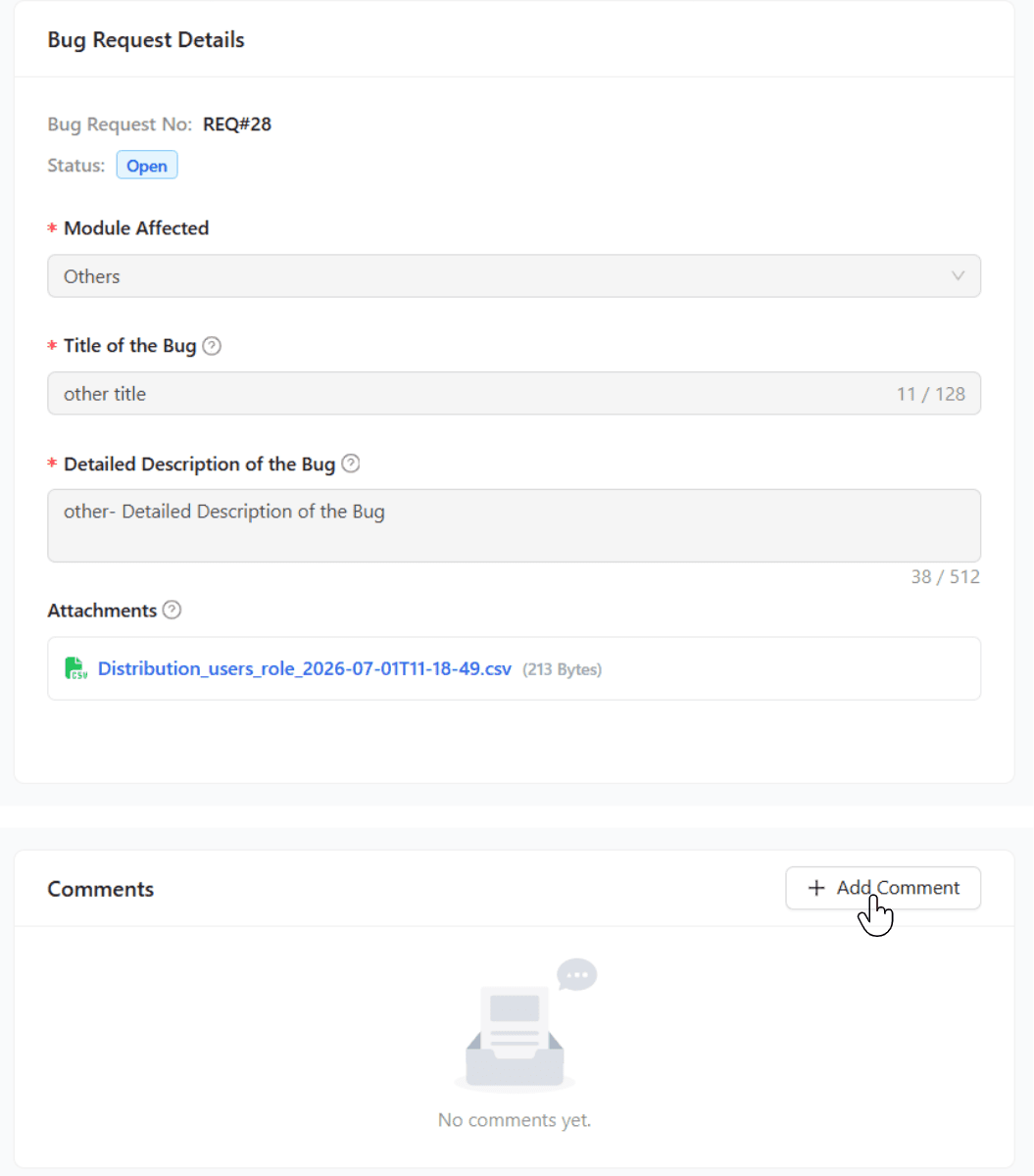
Report a Bug
Reporting a bug ensures that issues are promptly flagged to the QUASR+ team, enabling them to review, update, and resolve problems within the defined timelines based on priority and complexity.
All QUASR+ users can report a bug directly from the user menu, ensuring quick access to report issues for review.
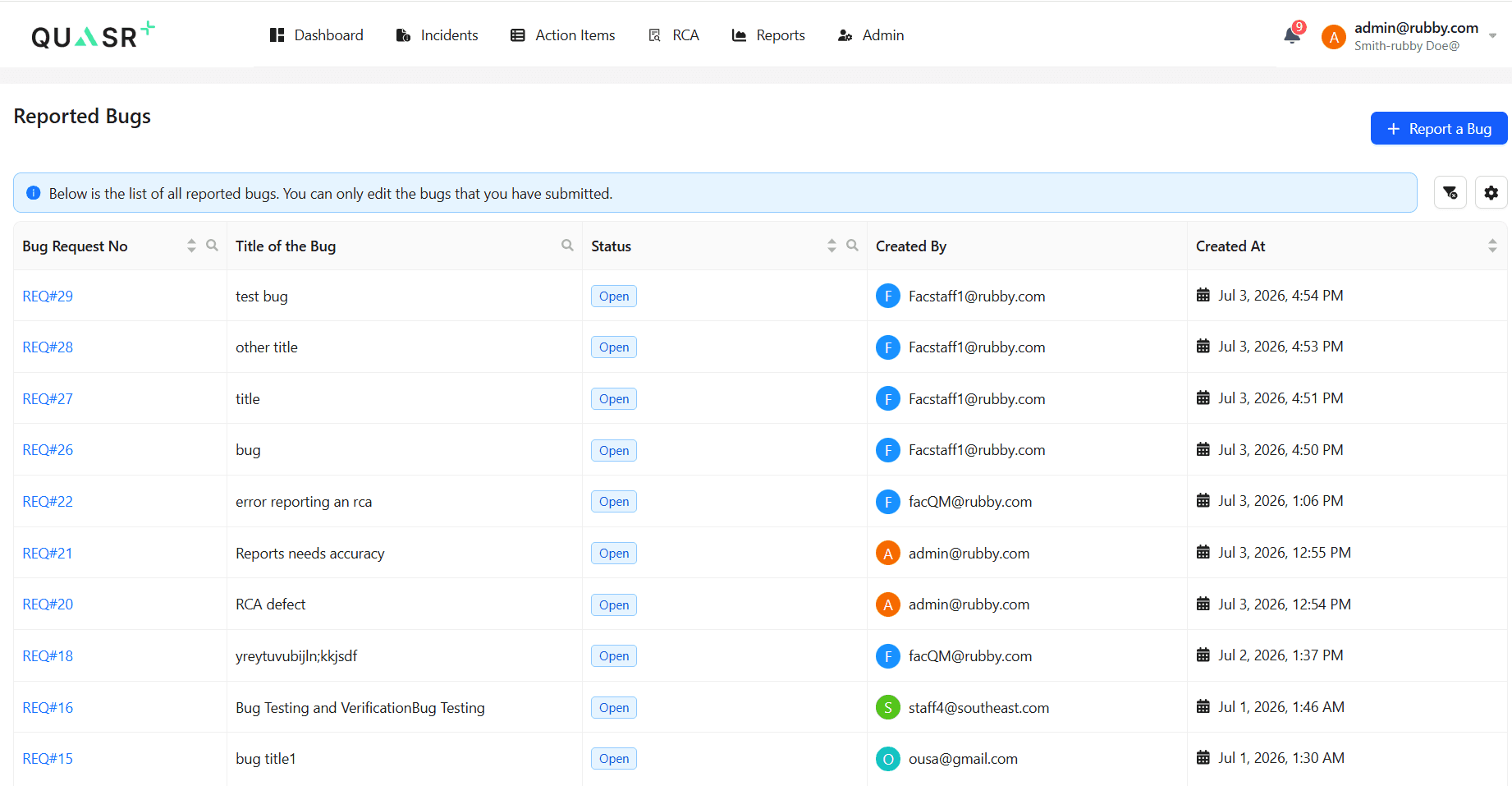
All bugs reported within an account are visible to every user, regardless of their facility, ensuring full transparency within the Account.
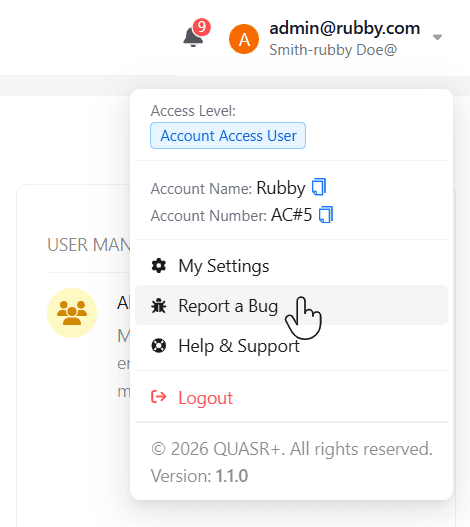
Users can also view existing bug requests to prevent duplicate submissions and streamline issue resolution.
Steps to Report a Bug
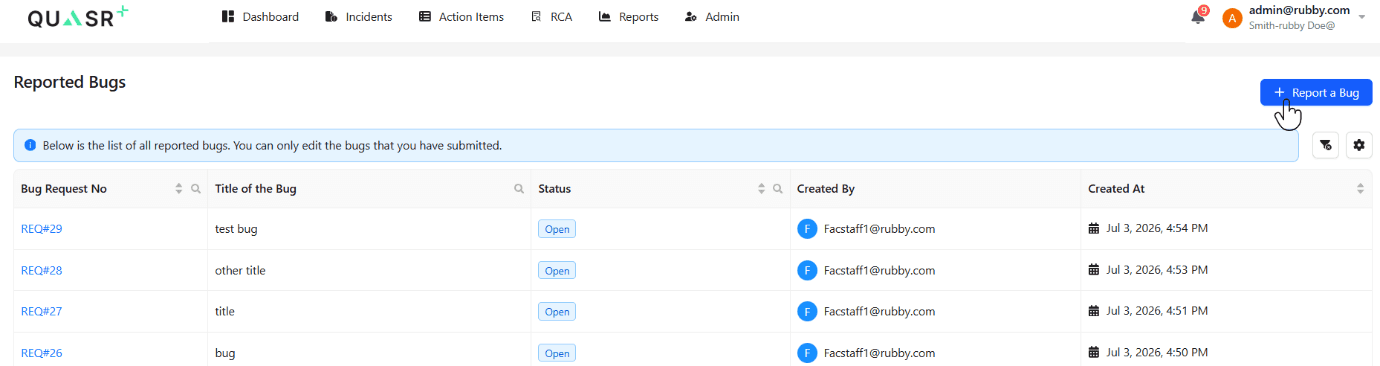
Open Bug Reporting Form
Click on Report a Bug to raise a new bug.
Enter Details and Submit
Provide all required details in the mandatory fields, attach any supporting documents, and click Report a Bug; once submitted, a unique bug request number will be generated for tracking and followup.
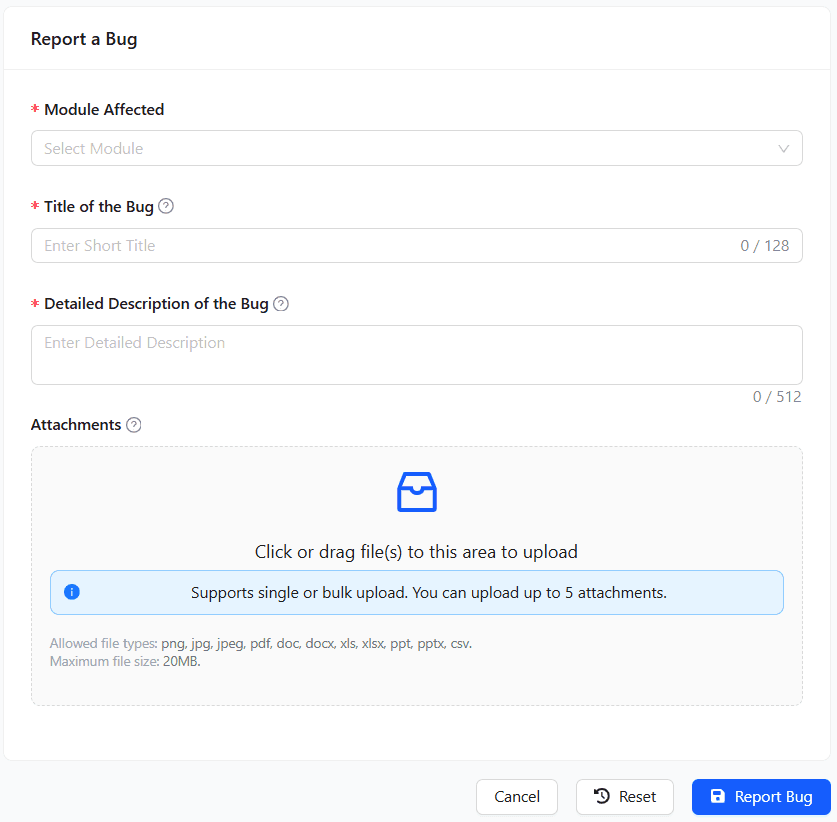
Creator of the bug can edit the bug as far as the status is open.
Add Comments and Inputs
Other users can add additional details or inputs to an existing bug through the comments section inside the reported bug, ensuring continuous updates and clearer issue context.
The comments section also allows users to upload supporting artifacts as attachments, helping the QUASR+ team diagnose and resolve issues more efficiently.
Comments once added cannot be edited or deleted.