Signing Up to QUASR+
QUASR+ allows organizations to streamline incident reporting and improve patient safety culture. Creating an account is the first step to accessing the platform’s powerful tools for incident management, RCA, and compliance tracking.
Overview
Who:
Account AdminTime:
~2 minutesPrerequisites:
Valid professional email addressBefore You Start
- Access level required: None (public page)
- Limitations: One account per organization.
Use your official work email for registration to streamline future SSO integration.
Steps
Navigate to the Sign-Up Page
Navigate to the QUASR+ Registration Page .
- Why: To create a new tenant for your organization.
- Expected result: You should see the “Create your account” form.
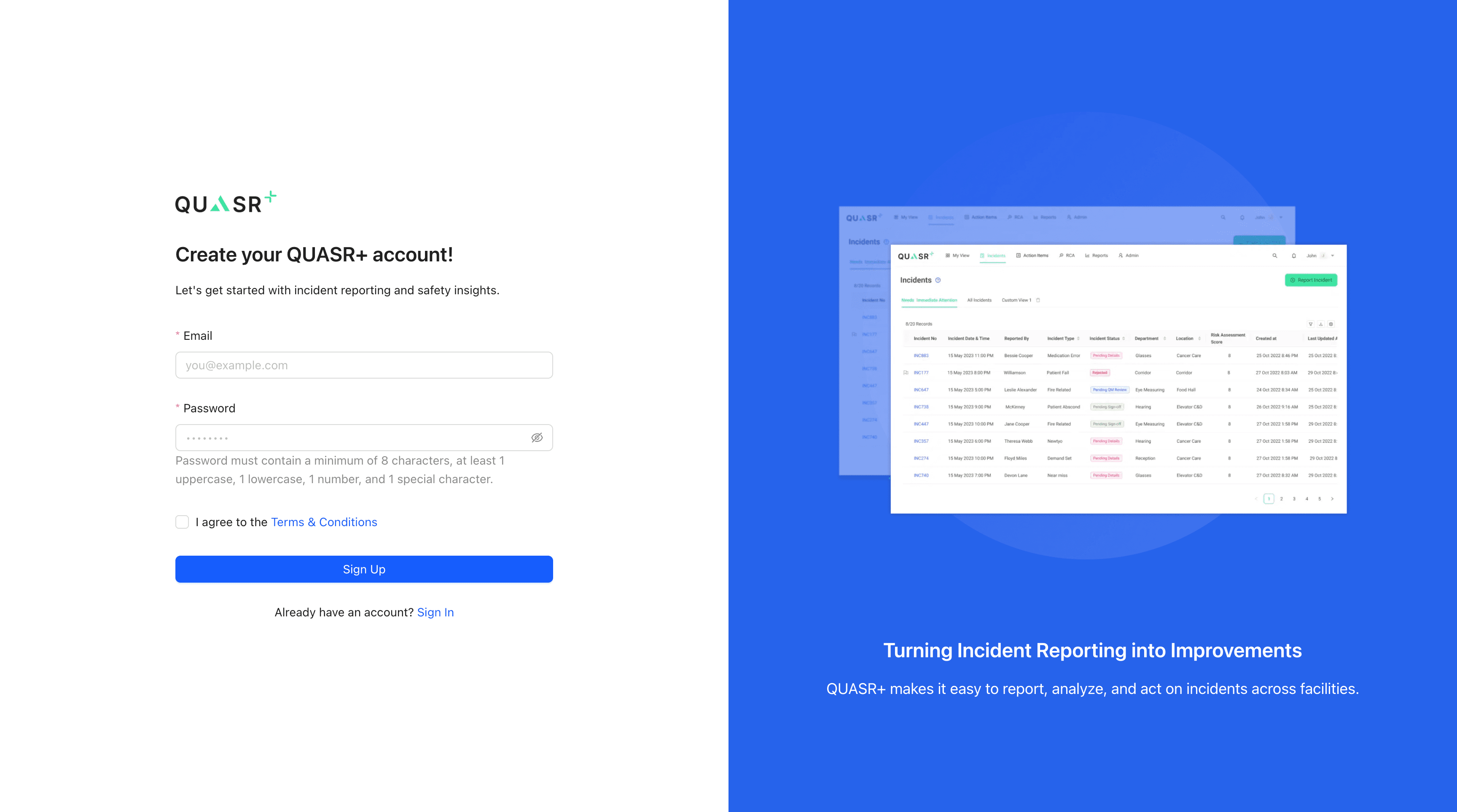
Fill the Registration Form
Enter your professional details.
| Field | Description | Required |
|---|---|---|
| Your professional email address (e.g., name@hospital.com). | Yes | |
| Password | Strong password (minimum of 8 characters, at least 1 uppercase, 1 lowercase, 1 number, and 1 special character). | Yes |
Submit and Check Email
Click Sign Up to create your account.
A verification link will be sent to your email immediately. You must verify your email before logging in.
Last updated on