Reclassify Incident
The Reclassify Incident feature in the Incident widget allows Admins and QMs to correct an incident’s classification. It is available only after completing the required details and only when the incident is in its initial state.
Steps
Reclassify Incident - Process
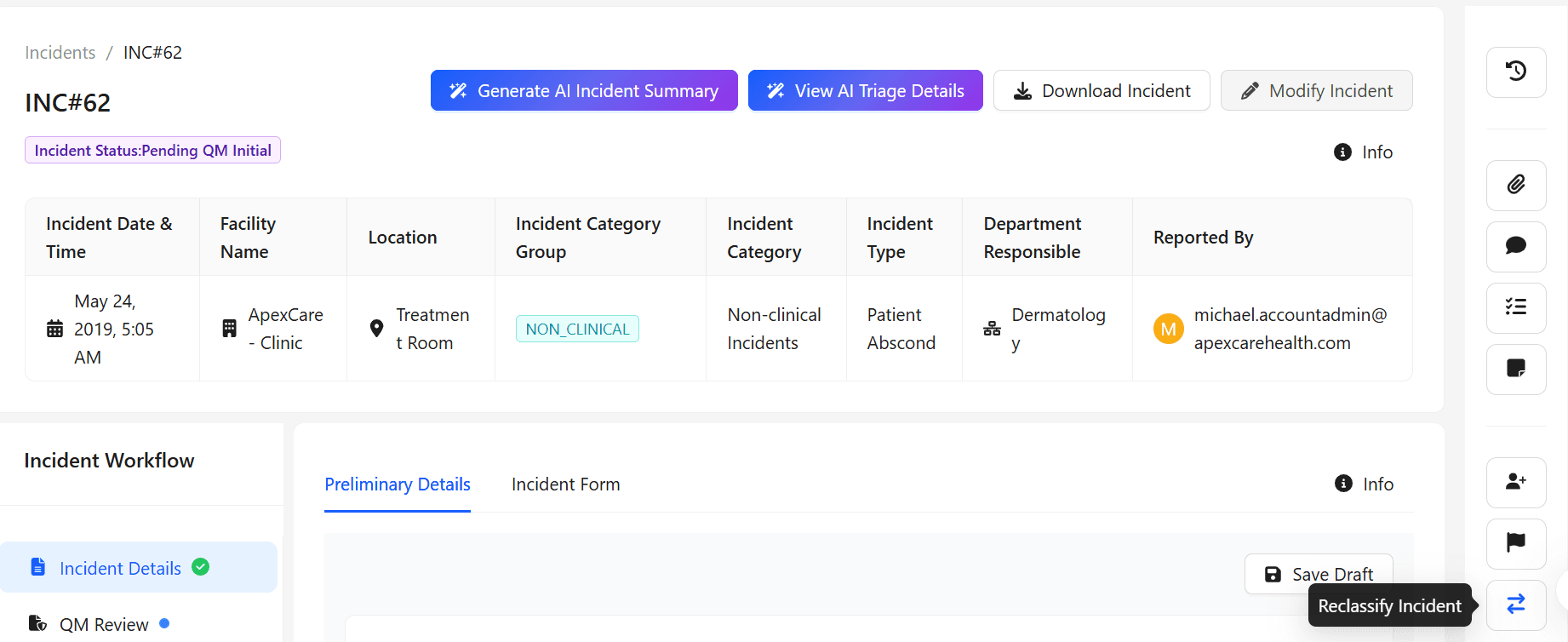
On the Incident page, in the right-hand panel, click Reclassify Incident. Once clicked, the Reclassify Incident window appears.
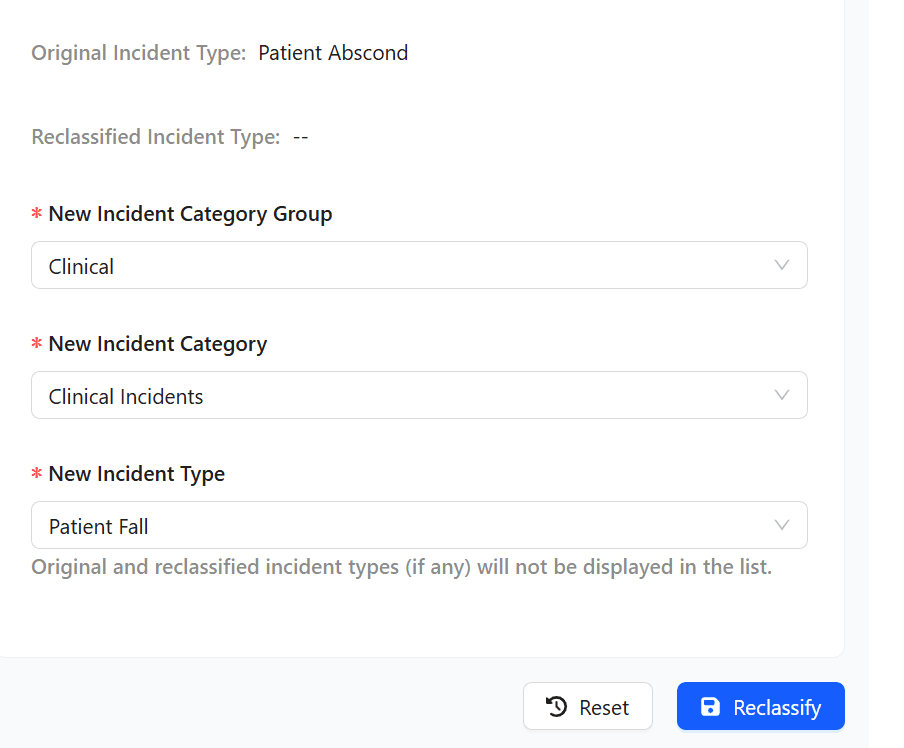
In the reclassification form choose the New Incident details (Category Group, Category, Type), to Reclassify.
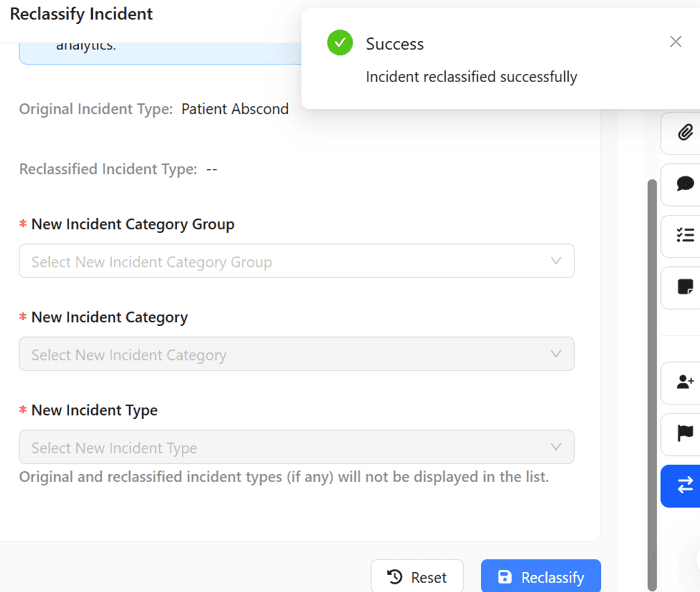
A confirmation message appears indicating that the incident has been successfully reclassified.
Refresh the page to view the updated reclassify incident classification.
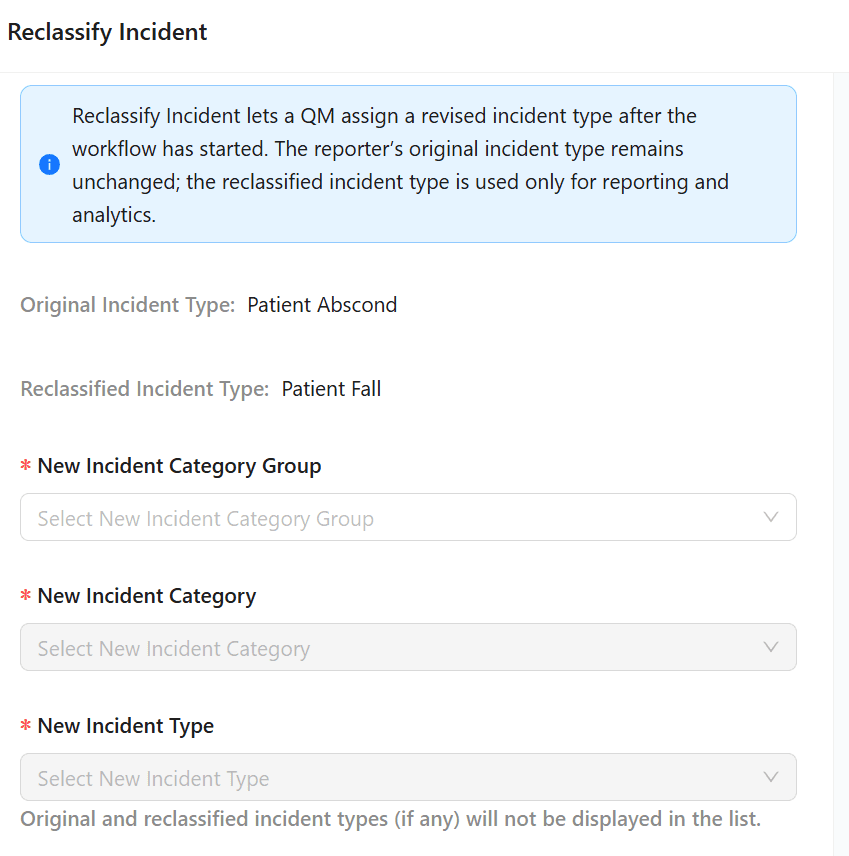
After reclassification, the Incident Details page and dashboard will continue to display only the original Incident Type. Reclassification details will appear in the downloaded Incident report for all users and in the Reclassify widget for QMs.