Notes
The Notes section on the Incident page allows users to add additional information, updates, or context related to an incident. This helps maintain clear communication and keeps all relevant details documented in one place.
Steps
Open the Notes Widget
Open the Incident, then navigate to the Incident Widgets panel on the right side and click Notes.
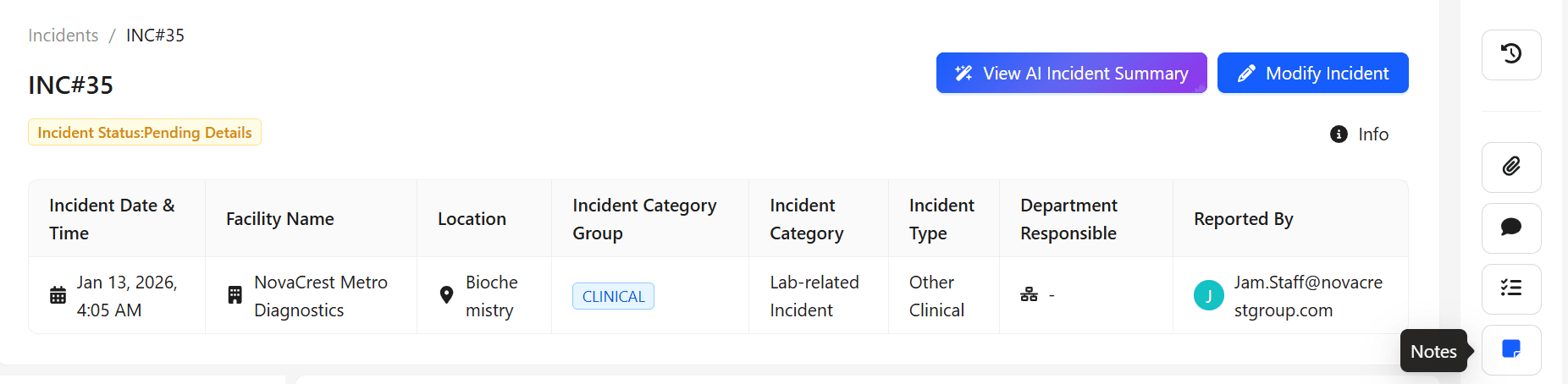
Click Notes.
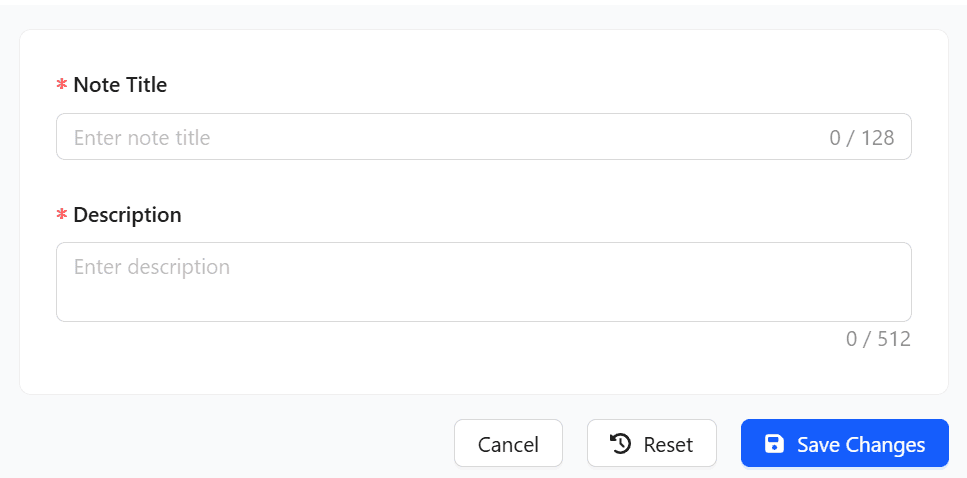
A dialog box opens where the Notes details can be entered.
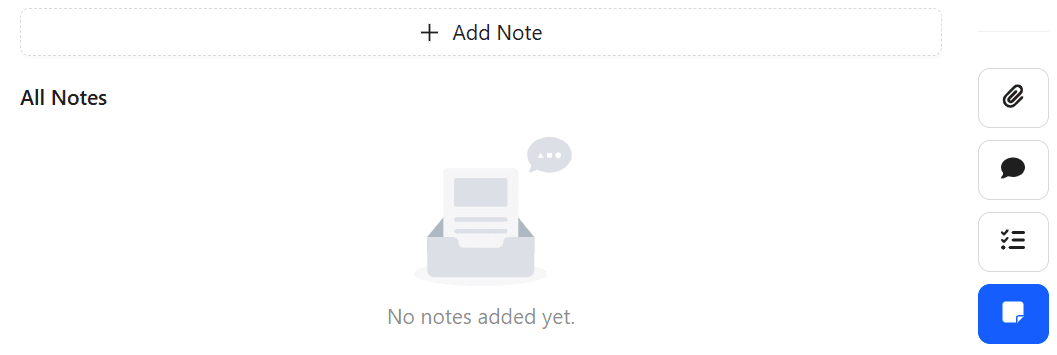
Enter the Note title and description, then click Save Changes.
Create, Edit, and Delete Notes
Creating Notes
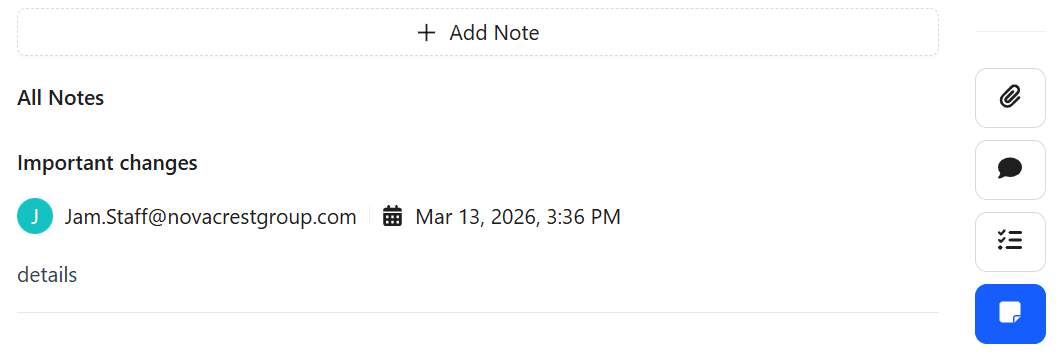
Any user with access to the incident can create a note.
Editing Notes
Notes can be edited by the Notes owner or the Facility QM.
Deleting Notes
Notes can be deleted by the Notes owner or the Facility QM.
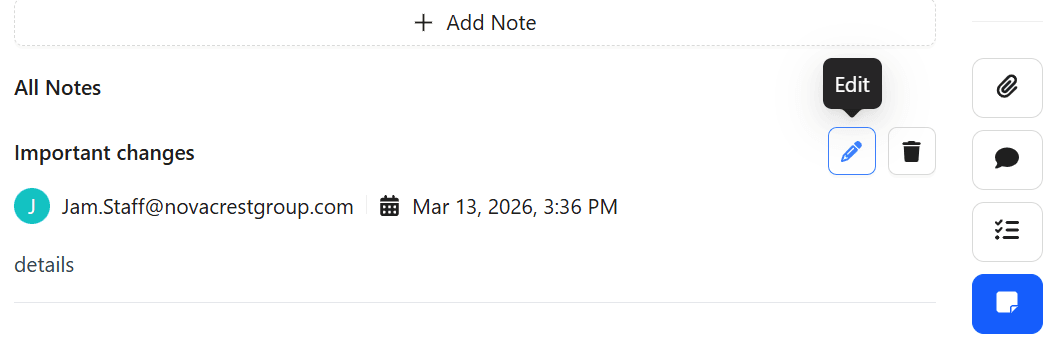
This functionality ensures that incident-related information can be updated when necessary while maintaining controlled permissions for modifying or removing notes.