Notify Users
The Notify Users feature in the incident widget allows the QMs to include additional stakeholders who are not part of the incident but may need to be informed or participate when required. This helps ensure that relevant stakeholders are kept informed and supports effective communication.
Using the Notify Users Feature
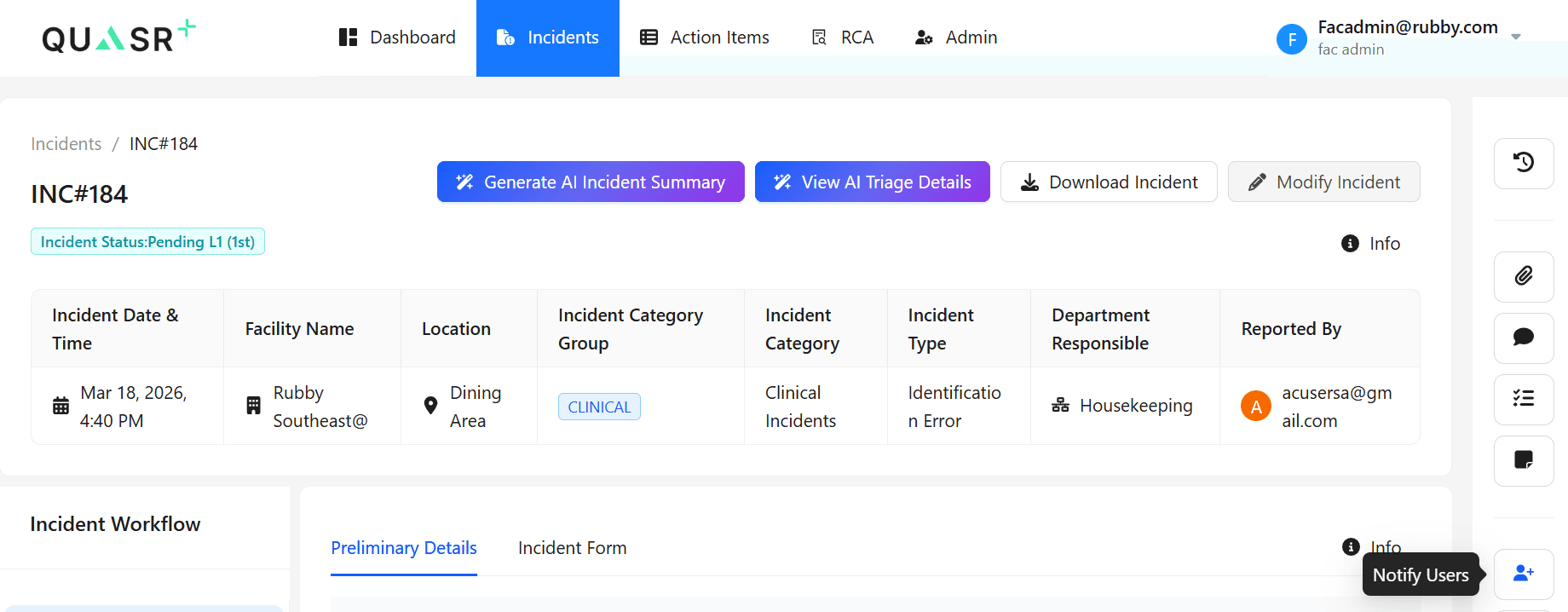
On the Incident page, in the right-hand panel, click Notify Users. Once clicked, the Notify Users window appears.
User Sources
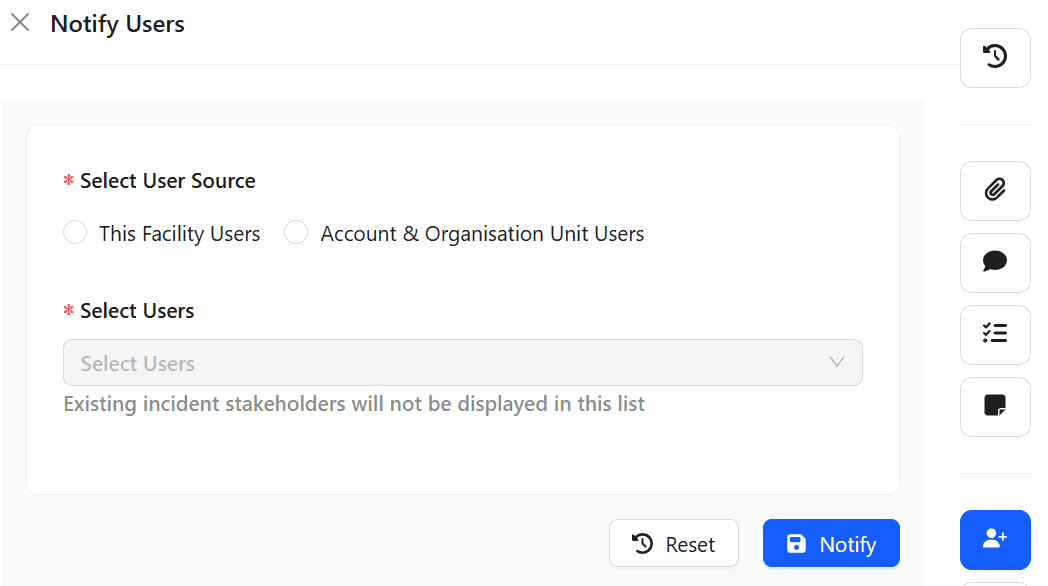
When you click Notify Users, you are prompted to select a User Source. Users can be selected from:
- Facility Users - Users associated with the same facility
- Account & Organisation Unit Users - Users with account-level or organisational unit access
To Notify Users
Select the User Source.
Click the dropdown and choose multiple users from the list.
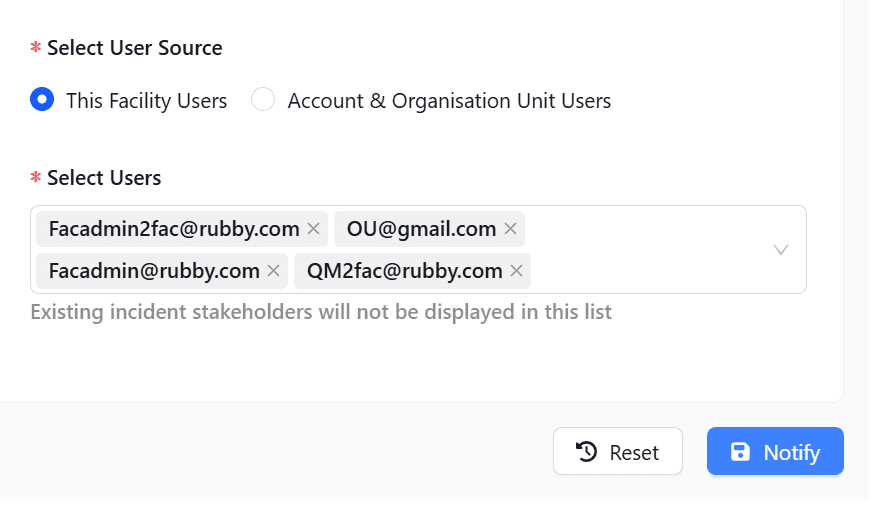
Multiple users can be selected and notified at the same time.
Click Notify.
Once notified, the selected users are granted access to the incident.
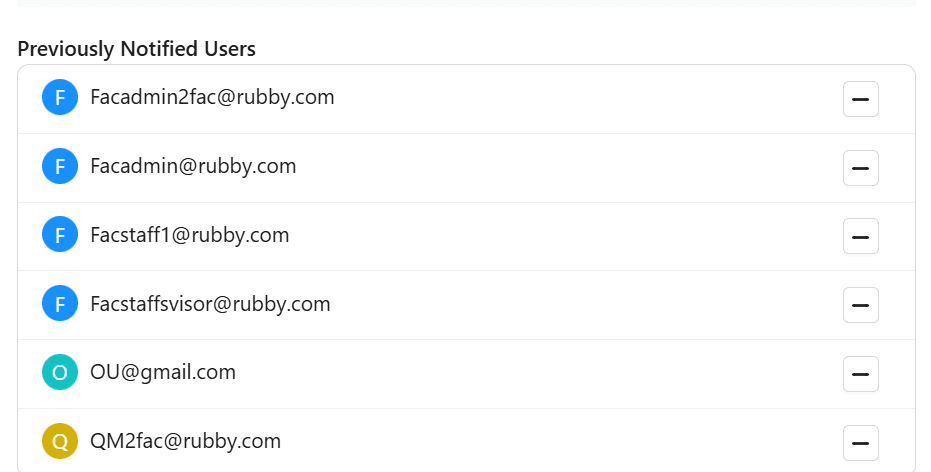
To Notify Account & Organisation Unit Users
Select Account & Organisation Unit Users as the User Source.
Click the dropdown to view available users.
Select multiple users.
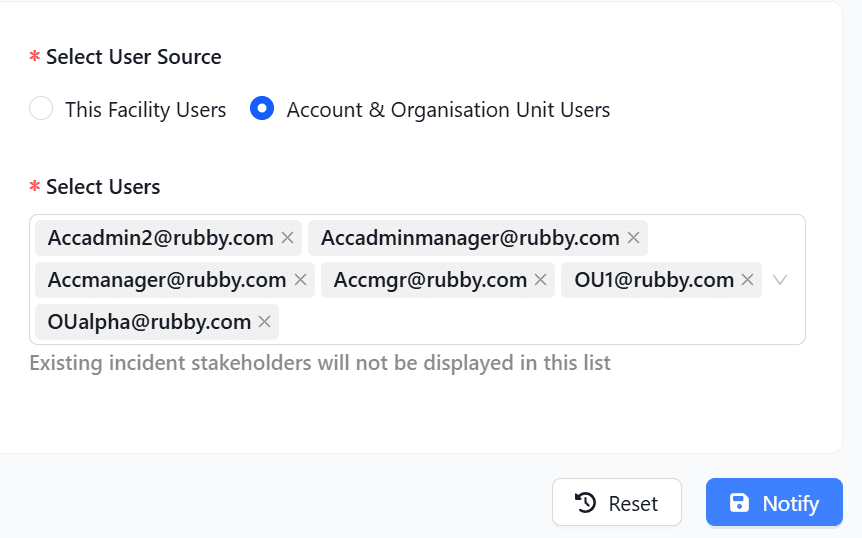
Click Notify.
Once notified, the selected users are granted access to the incident.
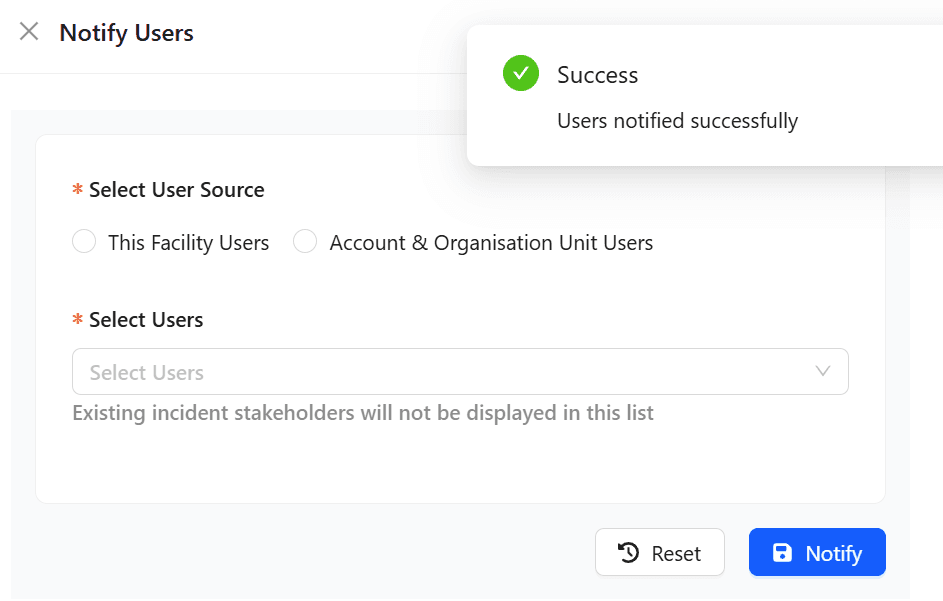
Removing Notified Users
If a notified user is no longer required to participate in the incident:
Locate the user in the notified users list.
Select the user and click -Remove.
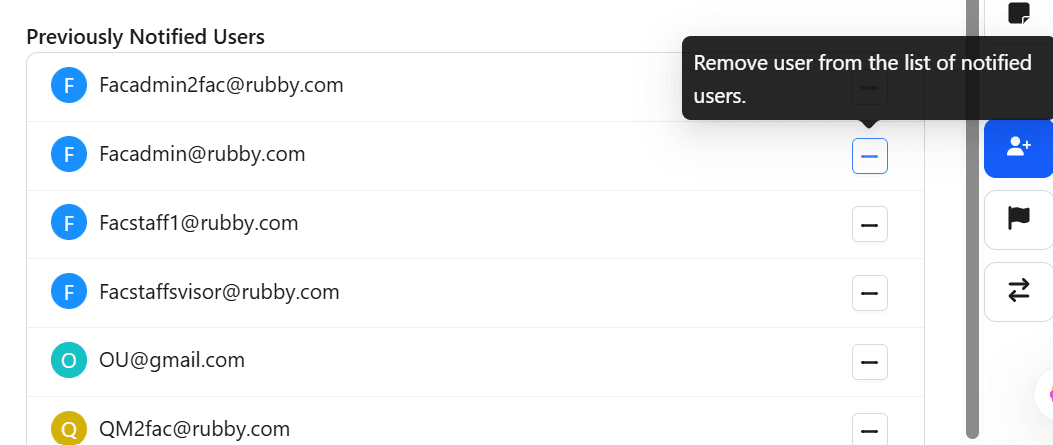
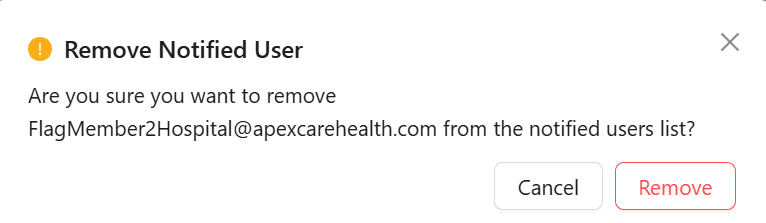
Clicking Remove displays a confirmation dialog to confirm the user’s removal from the notified list.
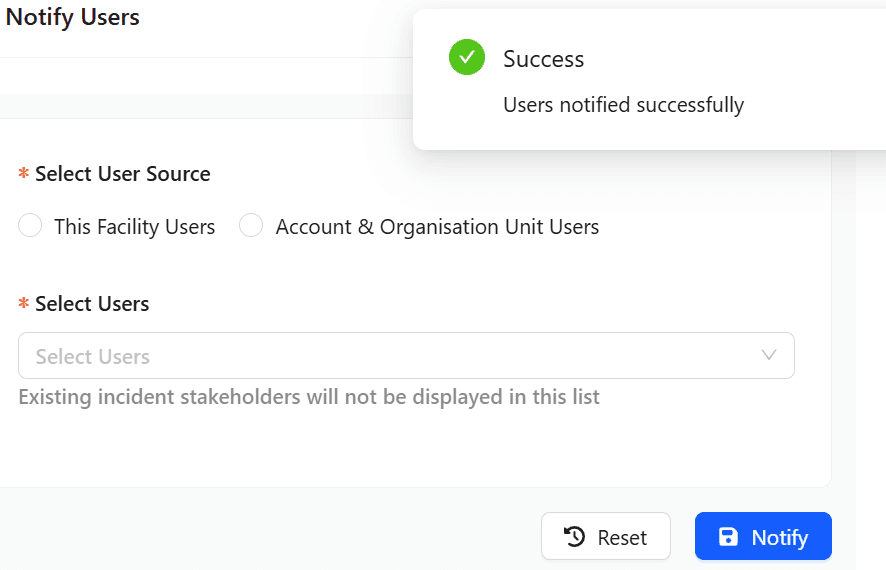
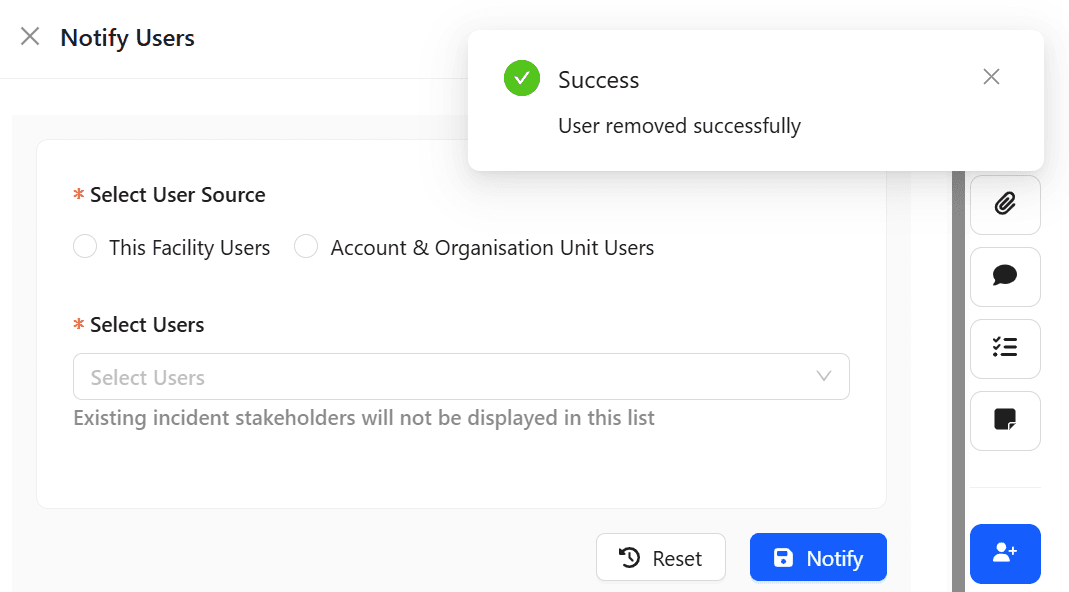
After confirmation, a success message is displayed.
Notified users will get an email with access to the Incident, making them stakeholders of the Incident.